Business starter kits
Start a making business on paper first.
Eight free one-page kits. Each has a pricing worksheet you fill in with your own costs, a production checklist, and what Makevia does for that job. Print them or save them as PDF. No sign-up, no email.
Pick a kit
The worksheets use formulas and blank lines, not market prices: your costs and your area decide the price.
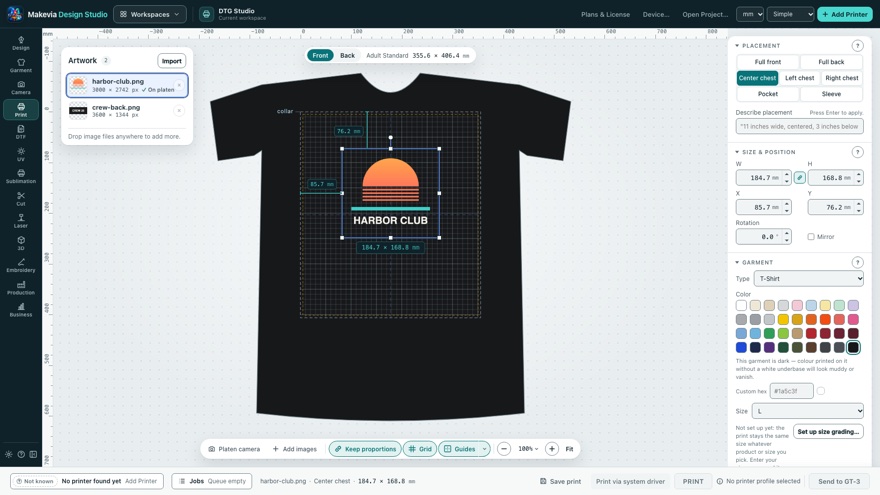
Print straight onto shirts and hoodies.
In the app: DTG Studio
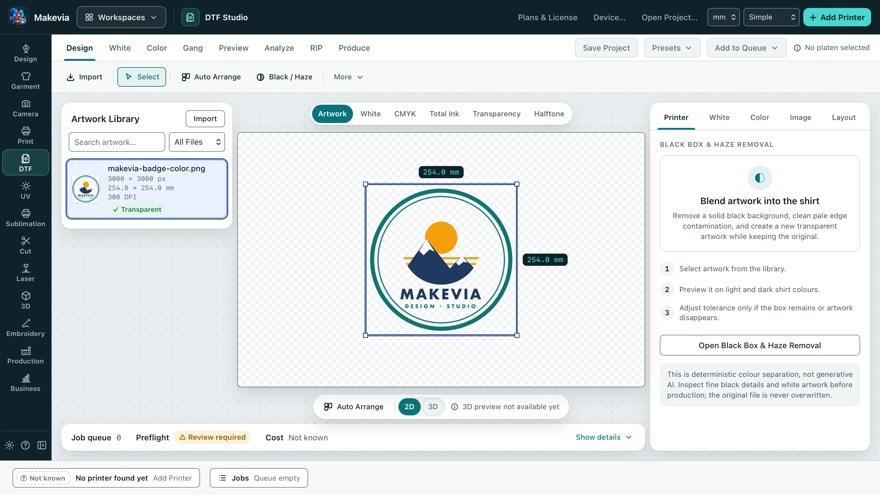
Gang sheets of film transfers you press on.
In the app: DTF Studio
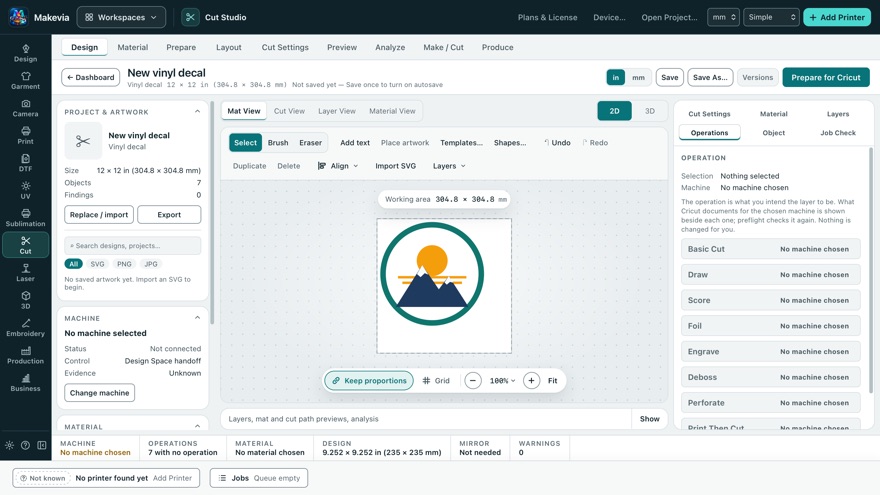
Cut vinyl and Print Then Cut stickers on a Cricut.
In the app: Cut Studio
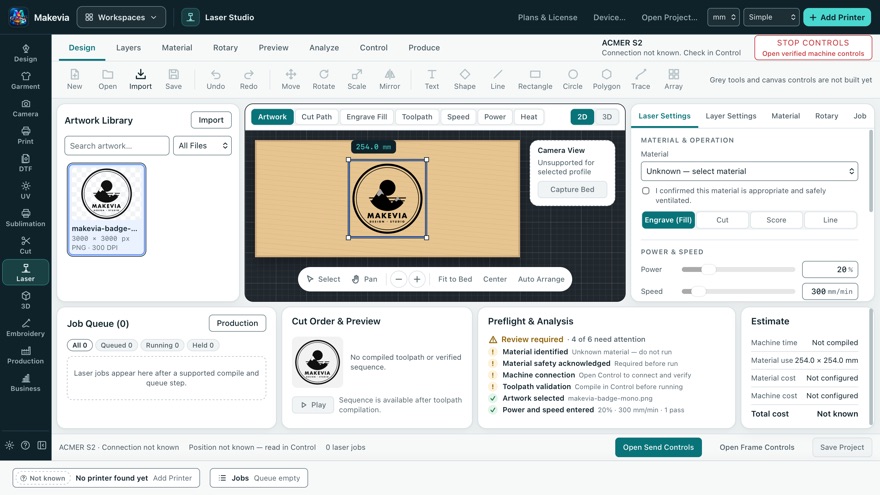
Engrave and cut with a GRBL laser.
In the app: Laser Studio
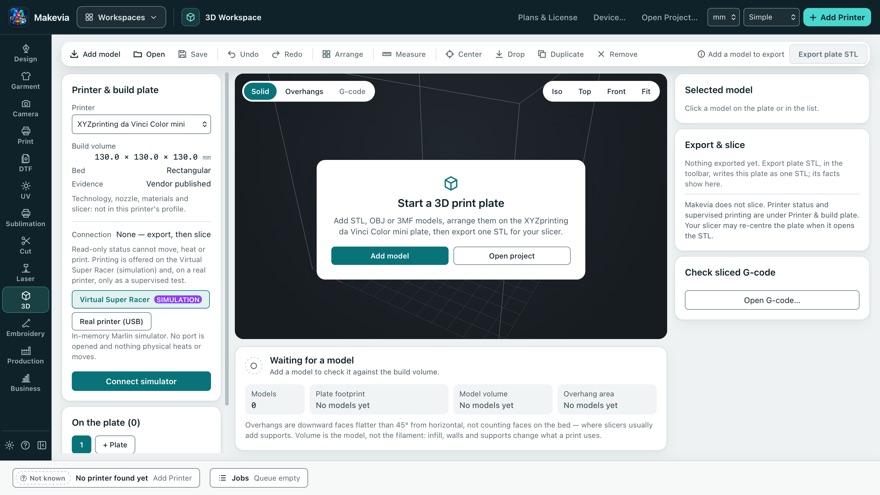
Prepare models and plates for your slicer.
In the app: 3D Workspace
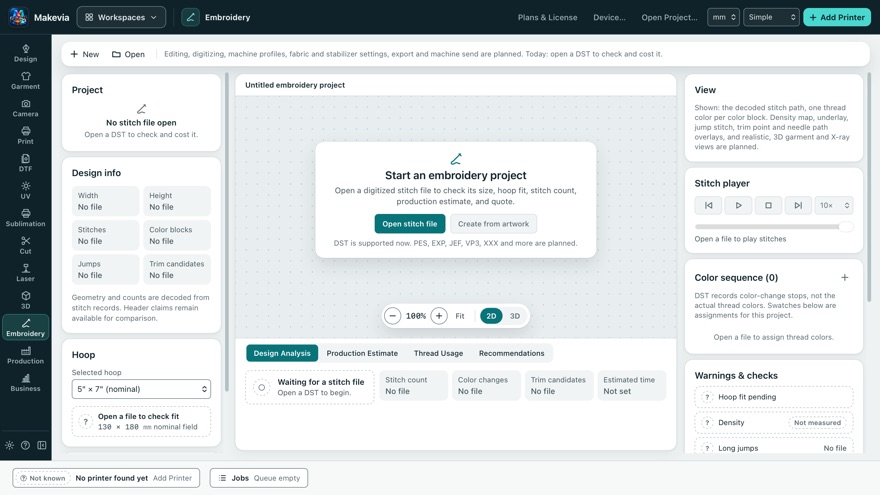
Check and price DST stitch files.
In the app: Embroidery
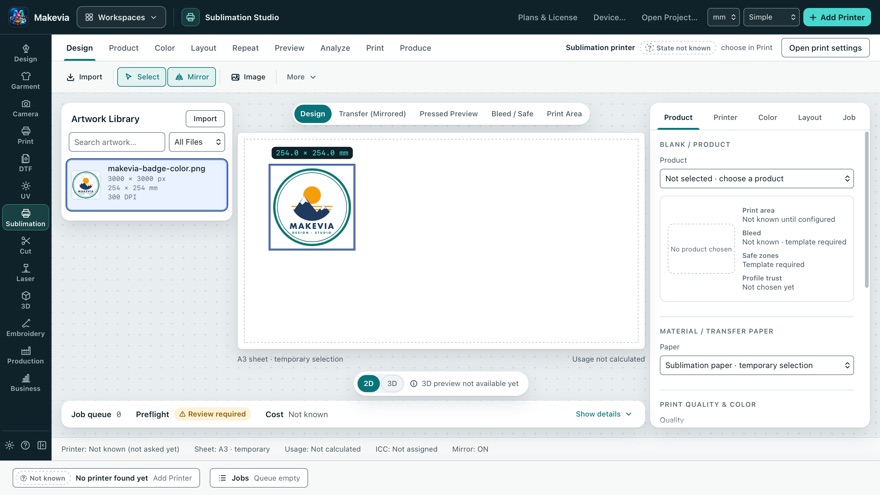
Prepare heat transfers for mugs, polyester and blanks.
In the app: Sublimation Studio
For teachers, boosters and adult organisers running a shirt order.
In the app: DTG Studio or DTF Studio
Machine status in each kit uses the same wording as Device support. Today only the Brother GT-361 is tested on real hardware. See also Workflows, Compare and Pricing.